Talk & Comment for Education

Bring voice feedback to every classroom

Built for school and district rollouts: Teacher Pro for every educator, privacy-ready review materials, and onboarding that gets teachers and students using it fast.

Book a district walkthrough For principals, instructional tech, privacy review, and procurement.
See teacher pricing For an individual teacher or a self-serve pilot.
If you're an individual teacher, see teacher pricing. Piloting for a team or school? You're in the right place. Students and families simply open shared voice links — no install required.

District-ready classroom workflow

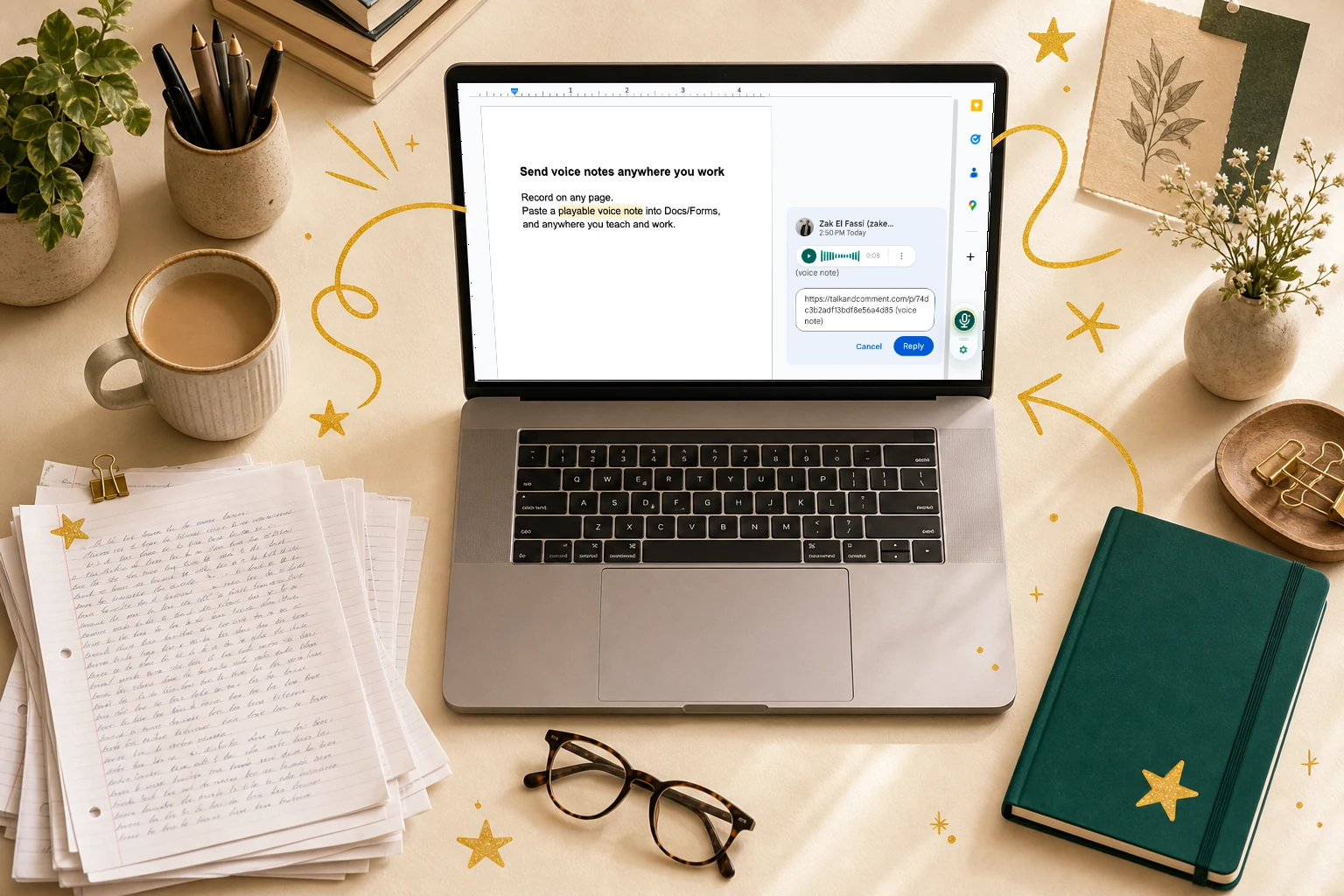
A real Talk & Comment voice note in a Google Doc, shown on a laptop in an illustrated teacher-desk scene with hand-drawn gold annotations

Choose the right path

This page is for school- or team-level rollout decisions. If you’re an individual teacher or a student trying to understand the product, here’s the fastest path.

School & district leads

Use this page if you’re evaluating Talk & Comment for a campus, department, or district rollout.

  • Book a short walkthrough for pricing, DPA, and rollout planning
  • Review district privacy and security documentation
  • Plan Teacher Pro for every educator on staff
Book a district walkthrough

Teacher pilot / team champion

If you’re the teacher testing this for your grade team, department, or school, stay here. If you’re only using it for yourself, teacher pricing is the faster path.

  • Use this page when you’re advocating for a team or school purchase
  • Use teacher pricing if you just want the self-serve individual plan
See teacher pricing

Students & families

There is no separate student install path to evaluate here. Teachers share a voice-note link, and students or families open it and listen in the browser.

  • Students and families do not install anything
  • Recipients just click the shared link and listen
  • Transcripts help with accessibility and language support
For schools & districts

What a school rollout includes

Bring Talk & Comment to your staff with one plan for educators, a simple listen-by-link experience for students, and the privacy materials districts need to move forward confidently.

  • Teacher Pro for every educator — unlimited recordings, AI transcripts, translations, and priority processing.
  • Privacy review built in — signed DPA pathways, FERPA & COPPA controls, US-only data residency.
  • Admin deployment support — usage reports, Google Admin Console rollout, SSO planning, and onboarding.
  • Student experience stays simple — teachers share the link; students and families just click and listen.
Book a district walkthrough

Pricing scales with your roster — we’ll quote your exact staff plan on a short call.

Great for teaching. Works well with Google Classroom. Can also be used effectively and easily by students with dyslexia on tests, etc.

Rollout support teachers actually use

Start with one team or one school, then expand with onboarding that shows teachers exactly where Talk & Comment fits.

  • Pilot with a teacher champion or department lead
  • Google Docs, Slides, Classroom, Canvas, and Schoology
  • No separate student setup required

Privacy review without guesswork

Bring district-ready materials to the conversation from day one.

  • Signed DPA pathways
  • FERPA & COPPA controls
  • US-only hosting and data residency

One plan for staff, simple experience for students

Teachers record where they already work. Students and families just click the shared voice link and listen.

  • Teacher Pro for every educator
  • Students do not install anything
  • Transcripts and translations when needed

What teachers and students actually do

Teachers record in the tools they already use. Students hear the teacher’s tone from a shared link with no extra student product to learn.

  • Teachers record in Docs, Slides, Classroom, Canvas, and Schoology
  • Students and families open a shared player link
  • Transcripts help with accessibility and language support
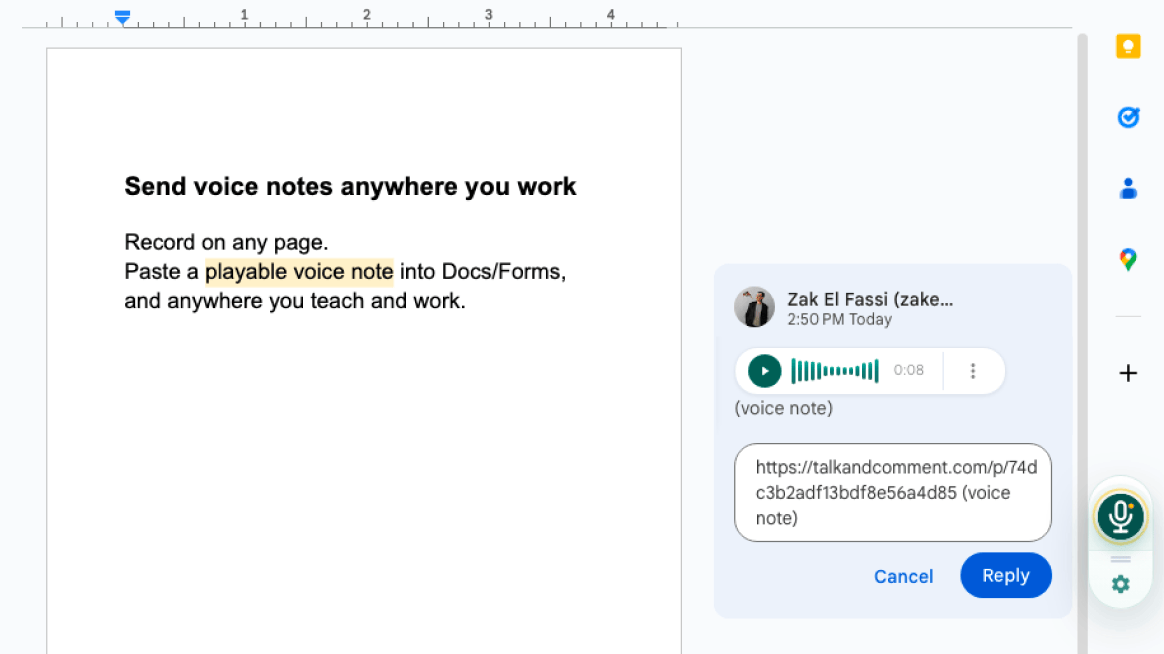
A playable Talk & Comment voice note in a comment reply on a real Google Doc, with the collapsed recorder microphone floating at the edge

What districts get on top

District buyers get the rollout layer: onboarding support, privacy-review materials, and an offer built for staff-wide adoption.

  • Teacher Pro for every teacher on staff
  • Admin dashboard, Google Admin deployment, and SSO planning
  • Signed DPA support and rollout guidance
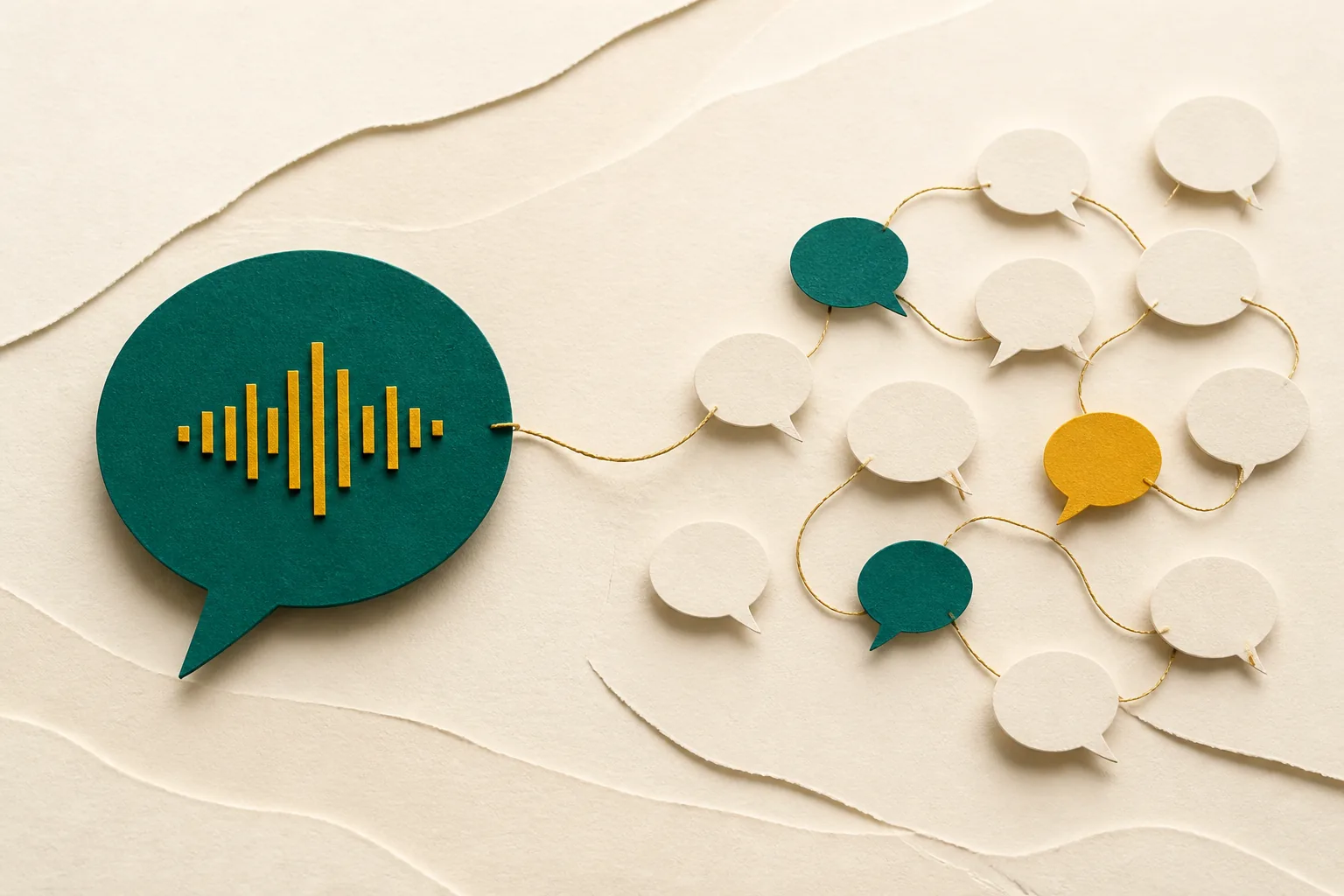
Paper-craft illustration: one teacher voice note with a gold waveform, connected by a gold thread to a staff of smaller speech bubbles

Step by step

How school rollouts usually start

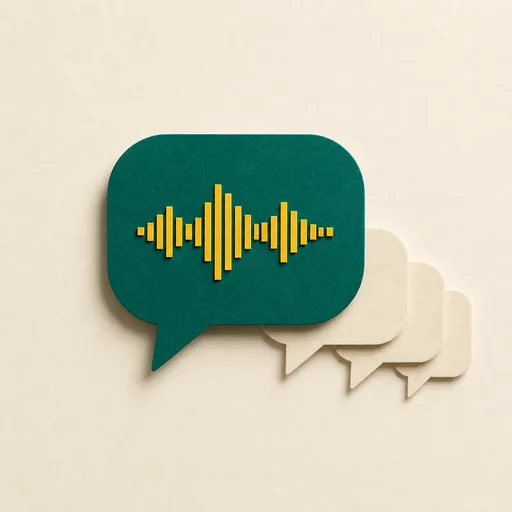
Paper-craft illustration: one large speech bubble with a gold waveform leading three smaller bubbles

Step 1

Start with one team

Pilot with a teacher lead, department chair, or one school.

Paper-craft illustration: a layered shield with a gold checkmark

Step 2

Review privacy and pricing

Bring your DPA, procurement, and roster questions to a short walkthrough.

Paper-craft illustration: a grid of speech bubbles joined by a single gold thread

Step 3

Roll out staff-wide

Launch Teacher Pro for your educators while students keep the same simple listen-by-link experience.

Fits the tools your teachers already use

Teachers keep working in familiar tools. Students keep receiving the same simple shared-link experience.

Google Classroom

Google Classroom

Google Docs

Google Docs

Canvas LMS

Canvas LMS

Schoology

Schoology

And more…

4.2★
5,800+ ratings on the Chrome Web Store
Hundreds of millions
of voice notes since 2013
FERPA + COPPA
school agreements & under-13 controls

Privacy and security you can trust

Built from the ground up with K‑12 data protection as a priority.

District IT teams: see District privacy & security.

FERPA agreements

Under a written agreement with your school or district, we can act as a “school official” under FERPA. Student data is used only for the educational purpose you direct. See our compliance page.

Under-13 controls

Accounts identified as under 13 can be restricted to playback only — listening to shared voice notes without recording — unless a parent or guardian provides consent. See our privacy policy for school agreements and under-13 use.

Data encryption

All voice recordings and user data are encrypted in transit and at rest using industry-standard encryption.

What teachers say on the Chrome Web Store

Real reviews from the public store listing — quoted verbatim, stars as the reviewers gave them.

It has facilitated my work while evaluating my students. I also like how my voice sounds.

This is such a great tool for educators… you can make the recording on any screen, and paste in the recording anywhere there is a text field.

This allows me to give easily accessible audio feedback to my students… No ad pop-up’s. This is simply great.

This might be really important for Music educators working in distance learning.

Read all reviews on the Chrome Web Store

Ready to plan the rollout — or just need the teacher plan?

Book a district walkthrough for pricing, privacy, and onboarding. If you’re an individual teacher, teacher pricing is the faster self-serve path. Students and families simply receive the shared link.